
MB777 Guidance – Registration, Login, Deposit & Withdrawal
Welcome to the MB777 Guidance page. This comprehensive resource explains important account processes, including creating an account, registration, login, account verification, depositing funds and requesting withdrawals.
Whether you are a new visitor or an existing account holder, understanding these processes can help you navigate account settings, review transaction information and protect your personal details.
The processes described below are general guidance. Available account features, payment methods and verification requirements must be checked against the actual platform.
Five Essential MB777 Account Processes
Account access and financial transactions are separate processes. Understanding each stage helps users identify the appropriate account function.
Create Account
Review eligibility and required account details.
Register
Submit the registration form and complete verification.
Login
Access an existing account using valid credentials.
Deposit
Review supported methods before adding funds.
Withdraw
Review withdrawal requirements and request a transfer.
How to Create an MB777 Account
Creating an account generally begins with checking eligibility, opening the registration form and entering the required information.
Check Eligibility
Confirm that you meet applicable age, identity and legal requirements before creating an account.
Open the Registration Form
Visit the verified platform and select its account registration function.
Enter Your Information
Provide the required account details accurately. Do not submit another person’s information.
Create a Secure Password
Choose a unique password and avoid reusing credentials from other websites.
These terms are closely related. Account creation refers to establishing a new account, while registration includes submitting and completing the required signup information.
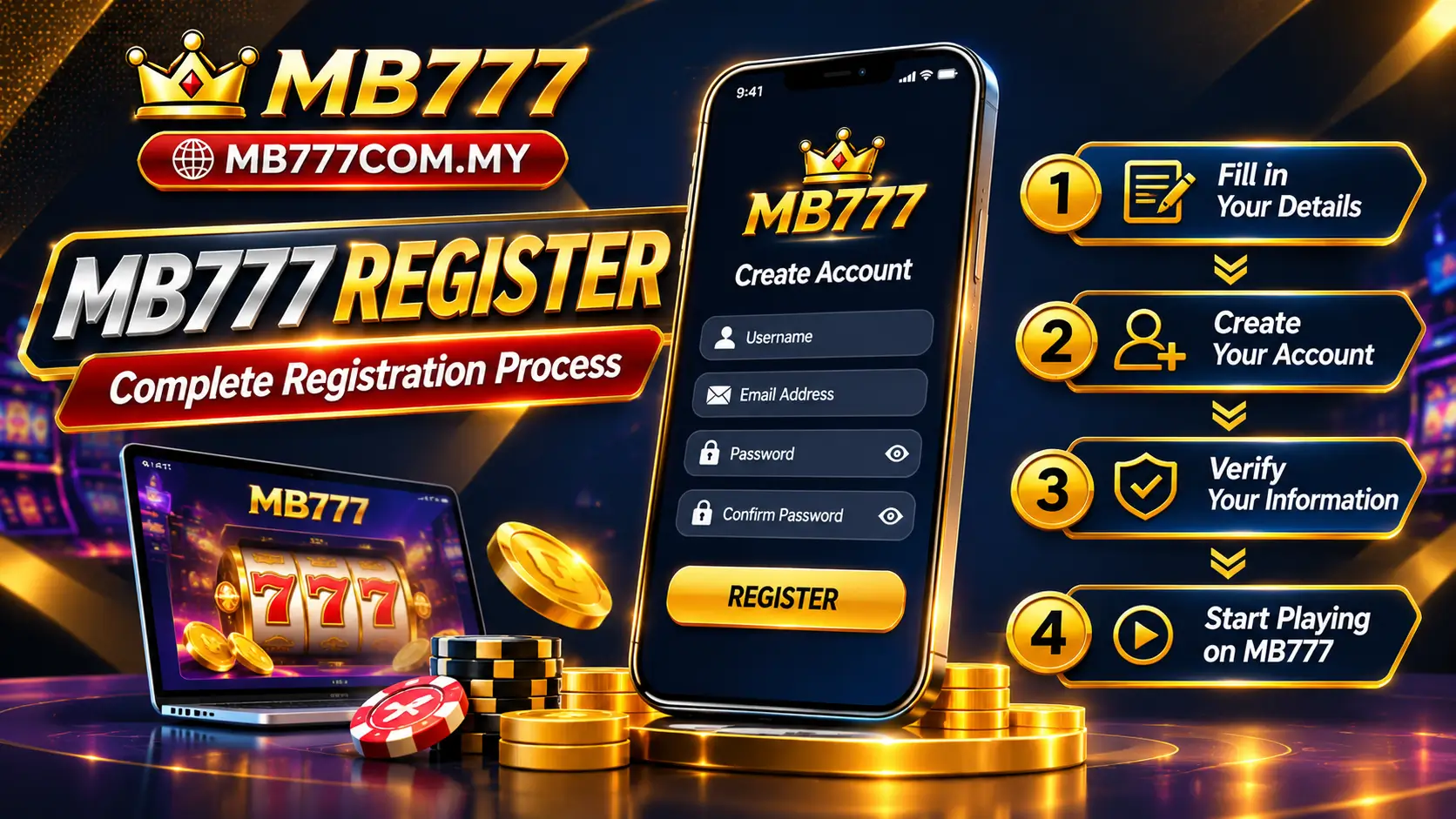
MB777 Register – Complete Registration Process
Registration normally involves completing a signup form, reviewing applicable conditions and confirming the required details.
Depending on the platform, identity or contact verification may be required before account features become available.
Always review the information before submission and make sure your contact details are accurate.
What Information May Be Required for Registration?
Required registration information varies by platform. Common categories include the following.
How to Login to Your MB777 Account
Login is the process of accessing an existing account using the required credentials.
Open the Verified Login Page
Use the authorised website or application rather than an unfamiliar third-party link.
Enter Account Credentials
Enter your registered username, email or other required identifier and password.
Complete Security Verification
Follow any additional authentication steps required by the platform.
Access Account Settings
After successful login, review account information and available features.
How to Deposit Funds into an MB777 Account
A deposit is a transaction that adds funds to an account. Available deposit options, minimum amounts and processing conditions depend on the platform.
Before initiating a deposit, confirm the recipient information, transaction limits, applicable fees and whether the payment method is supported.
Keep the transaction confirmation until the payment has been reflected in the account history.
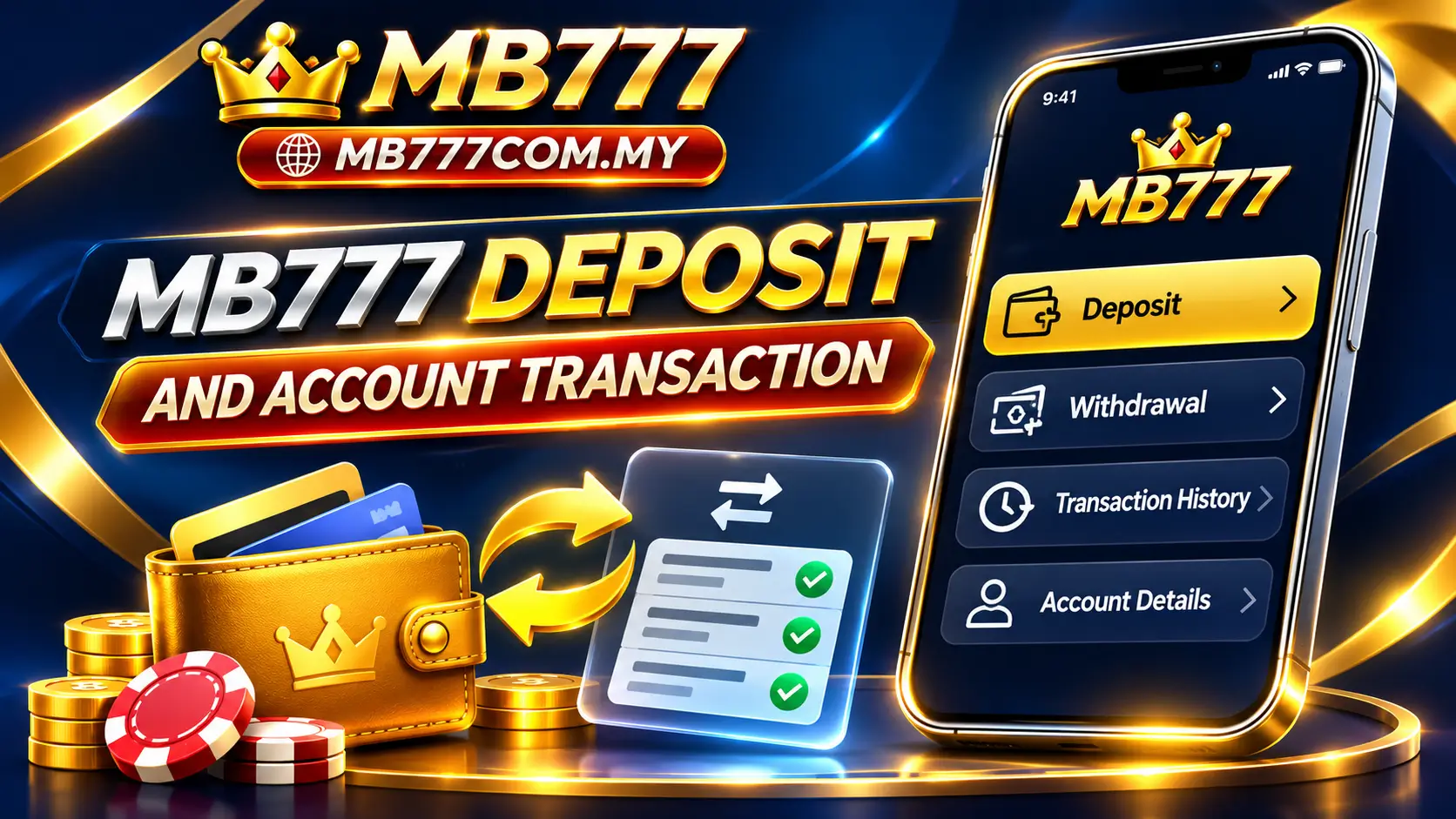
Step-by-Step Deposit Guidance
The following is a general transaction workflow. The actual interface and supported methods may differ.
Access the Account
Login through the verified platform and open the available account wallet.
Review Payment Methods
Check the payment options currently supported by the platform.
Confirm the Transaction
Review the amount, recipient, fees and payment information before confirming.
Check Transaction History
Review the transaction record and retain any available payment confirmation.
Never transfer money using payment details sent by an unverified third party. Confirm all transaction instructions through an authorised source.
How to Withdraw Funds from MB777
A withdrawal is a request to transfer eligible account funds to a supported payment destination. Withdrawal availability depends on account status, verification, transaction rules and applicable conditions.
Review Available Balance
Check the account balance and determine whether funds are eligible for withdrawal.
Check Withdrawal Requirements
Review identity verification, applicable transaction limits, payment methods and conditions.
Submit a Withdrawal Request
Enter the required destination information and confirm the withdrawal details.
Track the Request Status
Review the transaction history for updates. Processing times depend on the platform and payment provider.
Deposit vs Withdrawal: Key Differences
Deposits and withdrawals move funds in opposite directions and may have different verification or processing requirements.
| Feature | Deposit | Withdrawal |
|---|---|---|
| Purpose | Add funds to an account | Transfer eligible funds out |
| Direction | Payment source to account | Account to payment destination |
| Verification | May require payment confirmation | May require identity and payment verification |
| Transaction Limits | Depend on supported payment rules | Depend on withdrawal rules |
| Processing | Depends on payment method | Depends on review and payment method |
| Record | Deposit history | Withdrawal history |
Understanding MB777 Account Verification
Account verification helps establish that account information belongs to the authorised user. Requirements depend on the platform and applicable rules.
Why Might Verification Be Required?
Verification may be used to confirm identity, age, payment ownership or other account details.
When Can Verification Be Requested?
Verification may occur during registration, before certain transactions or when account information requires review.
How Should Documents Be Submitted?
Use only the platform’s verified and secure document submission process. Avoid sending identity documents through unknown messaging accounts or links.
What Happens if Verification Fails?
Review the stated reason, check the accuracy of submitted information and use the authorised support process.
Common Registration, Login and Transaction Problems
Registration Form Does Not Submit
Review required fields, confirm that the entered information is valid and check for any displayed error.
Forgotten Account Password
Use the platform’s verified password recovery function. Do not share verification codes with another person.
Account Login Is Unsuccessful
Confirm the account identifier and password, check for account notifications and avoid repeated attempts if access is restricted.
Deposit Is Not Reflected
Review the transaction reference, payment confirmation and account history before contacting authorised support.
Withdrawal Is Pending
Check the request status, applicable verification requirements and any platform notifications.
Withdrawal Request Is Rejected
Review the reason supplied by the platform. Possible causes may include incorrect payment information or unmet transaction conditions.
Important Account and Transaction Security Tips
Use Strong Account Credentials
Choose a unique password and avoid sharing login information with anyone.
Verify Website Addresses
Check the domain carefully before entering account information or initiating transactions.
Review Transaction Details
Confirm the amount, payment destination and other details before approving a transaction.
Protect Verification Information
Never disclose authentication codes or passwords to unverified contacts.
Maintain Financial Limits
Set a personal spending limit and avoid using money needed for essential expenses. Never treat gaming as a reliable source of income.
Follow Applicable Laws
Account access and gaming services may be restricted by local laws and age requirements. Users must verify eligibility before participating.
MB777 Guidance FAQ
1. How do I create an MB777 account?
Check eligibility, open the verified registration form, provide the required information and complete any verification.
2. Is account creation the same as registration?
The terms are closely related. Registration is generally part of the process of creating a new account.
3. How can I login to MB777?
Visit the verified login page, enter the required credentials and complete any additional security verification.
4. What should I do if I forget my password?
Use the authorised password recovery function and follow the displayed instructions.
5. How does a deposit work?
A deposit adds funds to an account through a supported payment method. Review the amount and payment information before confirming.
6. How can I request a withdrawal?
Check the eligible balance, review withdrawal requirements, provide the required destination information and submit the request.
7. How long does a withdrawal take?
Processing times depend on the platform, verification status and payment provider. No specific time is guaranteed here.
8. Why might verification be required?
Verification may help confirm identity, age, account ownership or payment information.
9. What if my deposit is missing?
Review your payment confirmation and account history, then contact verified support if the issue remains unresolved.
10. Can I register and login from a phone?
Mobile registration and login depend on whether the platform supports your device and browser.